Editing you Audio
"...work that timeline..."
Editing your Audio
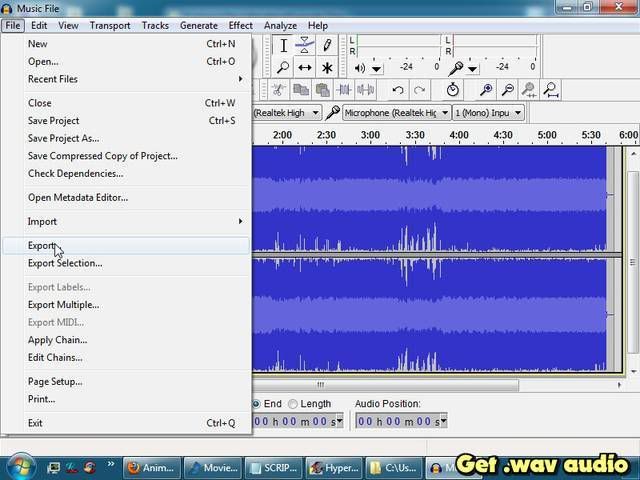
Recognizing the patterns in the music can make it
easier to edit your audio and organize your AMV.
Zooming in and out can make beats more
noticeable, so you can be more precise.
Before even starting your AMV.
VIDEO TUTORIAL 5/10: "Audio Editing" ~ [9:07]
My Secret to Making Good AMVs
(Shhhhhh!!! ... don't tell any1...)
I always look at the
overall structure of the music first. Then simply edit my AMV
around that. In my humble opinion,
this is the most important thing you can do when making an AMV, seriously.
Because once you break down the music into
musical sections, it's quite easy to assign a
purpose to each section in your overall AMV. Timing of your mood shifts will be much better too. Even if that means pairing the perfect scene with the perfect part of the song, and that's the only thing you are confident with, just
build your AMV around that. (This should make your amv
flow better too because it gives the viewer
time to digest the smaller ideas in each section which
build up to higher-order ideas.) It also allows you to introduce
parallels amongst sections, like in the timeline above, the first double-repeat can focus on the protagonist, and the second double-repeat can focus on the antagonist... which gives rise to
parallel structure (and each of those can be broken down further into Setting/Character or whatever you like for even better parallelism). Then it would be appropriate to have the two meet face to face in the quad-repeat, perhaps in a four-part fight or something. Be creative, but keep it simple too. I mean,
there's only so much you can cover in an AMV-- remember all those different
parts to a short story you learned in grade school? Those actually help.
Google that stuff right now, really it's not just busy work your english teacher wanted you to learn... But anyway, I
strongly encourage this method since you are
far more limited by the song than you are by the anime, so for me, it just makes sense to structure your AMV around the music. Plus I think it makes it easier for both you and the viewer to focus on multiple smaller ideas which
come together afterwards. Really, you'll finish your AMV faster (particularly with
clip hunting), and it will probably be easier for the viewer to follow too. All it comes down to is developing your
ability to recognize the musical shifts, and organize it's structure in your timeline. Then just mix and match ideas to the different sections until the overall structure looks like
something you can live with. At that point you are basically done your AMV-- and all that's left is to edit the darn thing. But hey, that's just what I do...